Posted on
More from News


Installing voice over IP (VoIP) for your company is a potentially exciting time for companies, with many enterprises experiencing the benefits of cheaper, crisper and more flexible calls, all of which are common advantages even with mid-tier VoIP solutions.
Nevertheless, the process of installing such a system is not always straightforward and problems can arise. It therefore pays to know how best to address and overcome any issues that may present themselves.
Reduce jitter
While many VoIP Services can offer high-quality sound, there can be occasions when it suffers. The technology works by sending voice data in packets organised in chronological order. Network congestion, improper queuing, or configuration errors can all cause problem or delays in how these packets are organised and received.
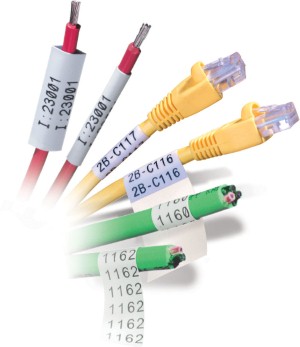
One of the best ways to avoid this problem is to upgrade your Ethernet set-up to a Cat6 cable and this will help allow for the transmission of data at around 250 MHz as opposed to the 125 MHz on Cat5 cables. Upgrading your network cables is therefore the easiest way of resolving a majority of minor network problems.
Monitor your network traffic
If addressing the amount of jitter doesn't solve your network issues, then it is always advisable to try and minimise the amount of data being used by your network during important calls.
By monitoring the data being used throughout your network, it becomes easier to identify unnecessary drains on your infrastructure.
Improve your hardware
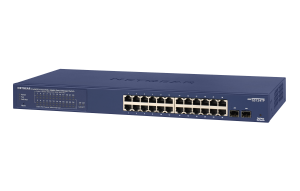
Many businesses looking to implement VoIP often make the mistake of running their system over what is essentially a standard home router.
However, it should go without saying that the needs of a business network are always going to be different to those of a standard home, so always ensure that you have the necessary hardware in place to reflect that.
When looking for a router suitable for your needs, it is important to ensure that you look for one that supports Session Initiation Protocol (SIP), which helps to deliver data reliably. Another feature to keep an eye out for is virtual LAN (VLAN) support, which helps to both group and disperse data based on where latency is lowest.
Check your frequency
The higher the frequency of your phone, the more likely it is to produce interference. A typical VoIP phone runs at 2.4 GHz, although there are models on the market running at 5.8-GHz.
If your network is suffering from interference, it is a good idea to check the frequency your phone is running on and look to reduce it if necessary.